Skip to try-on tools
Your photo fitting studio
PricingYearly ~20% offLoading…

Virtual Ring Try Onfor Your Hand Photo

Virtual ring try on begins with your hand photo. Explore a personal detail while keeping appearance, size and physical fit separate.

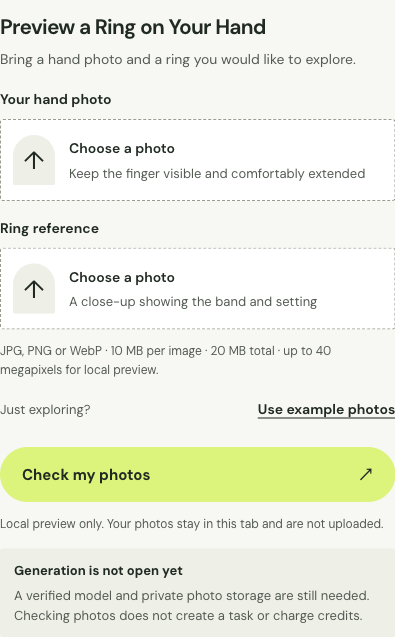
Preview a Ring on Your Hand

Bring a hand photo and a ring you would like to explore.

JPG, PNG or WebP · 10 MB per image · 20 MB total · up to 40 megapixels for local preview.

JPG, PNG or WebP · 10 MB per image · 20 MB total · up to 40 megapixels for local preview.

Explore this look

Output resolution

Unavailable resolutions cannot be selected right now.

Credits for this generation: 1

By clicking Generate preview, you confirm that you have permission to use these images and agree to AI processing for this preview.

Images are uploaded only when you click Generate and processed by AI to create your preview.

Checking service availability…

My generations ↗

Your fitting mirror

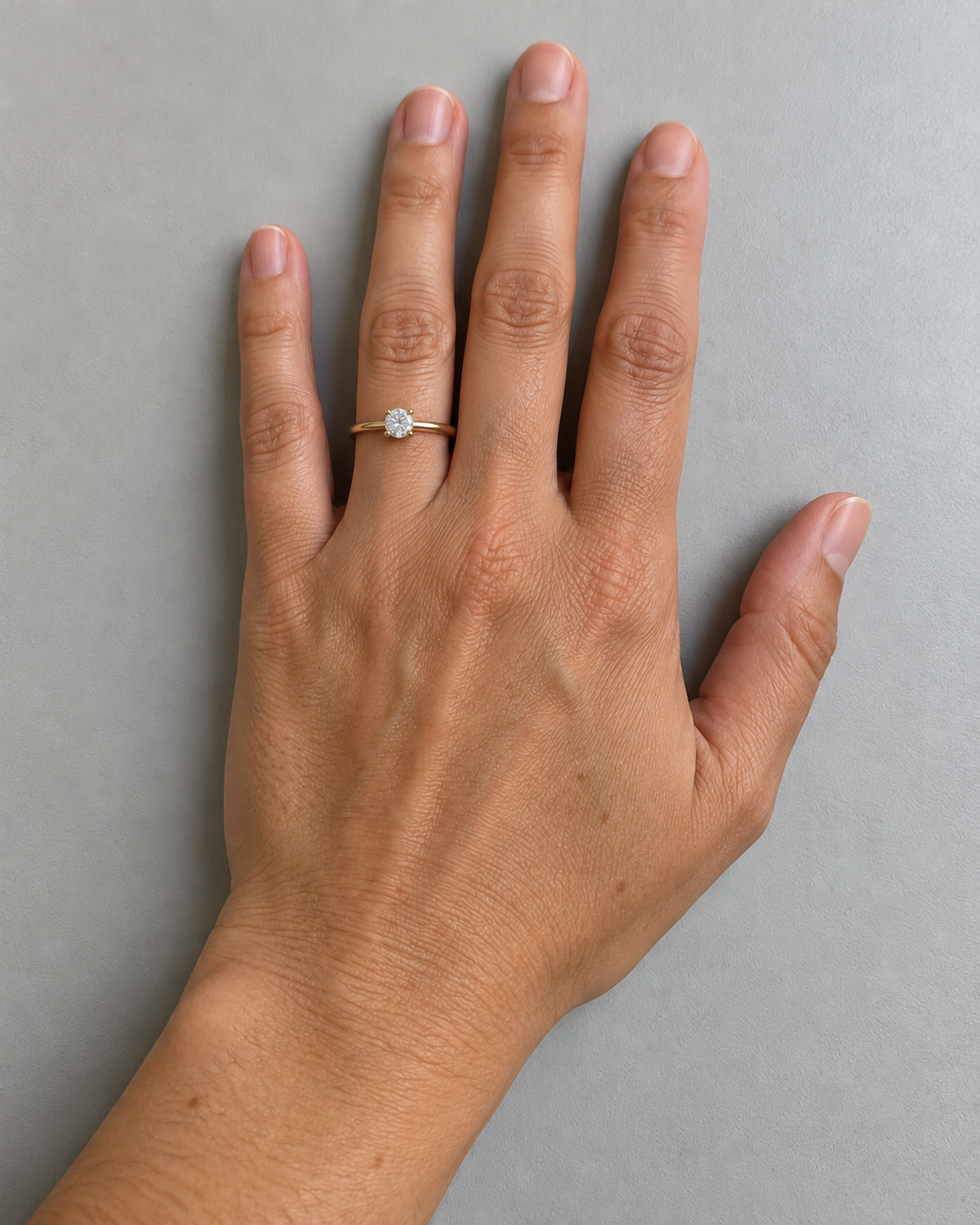
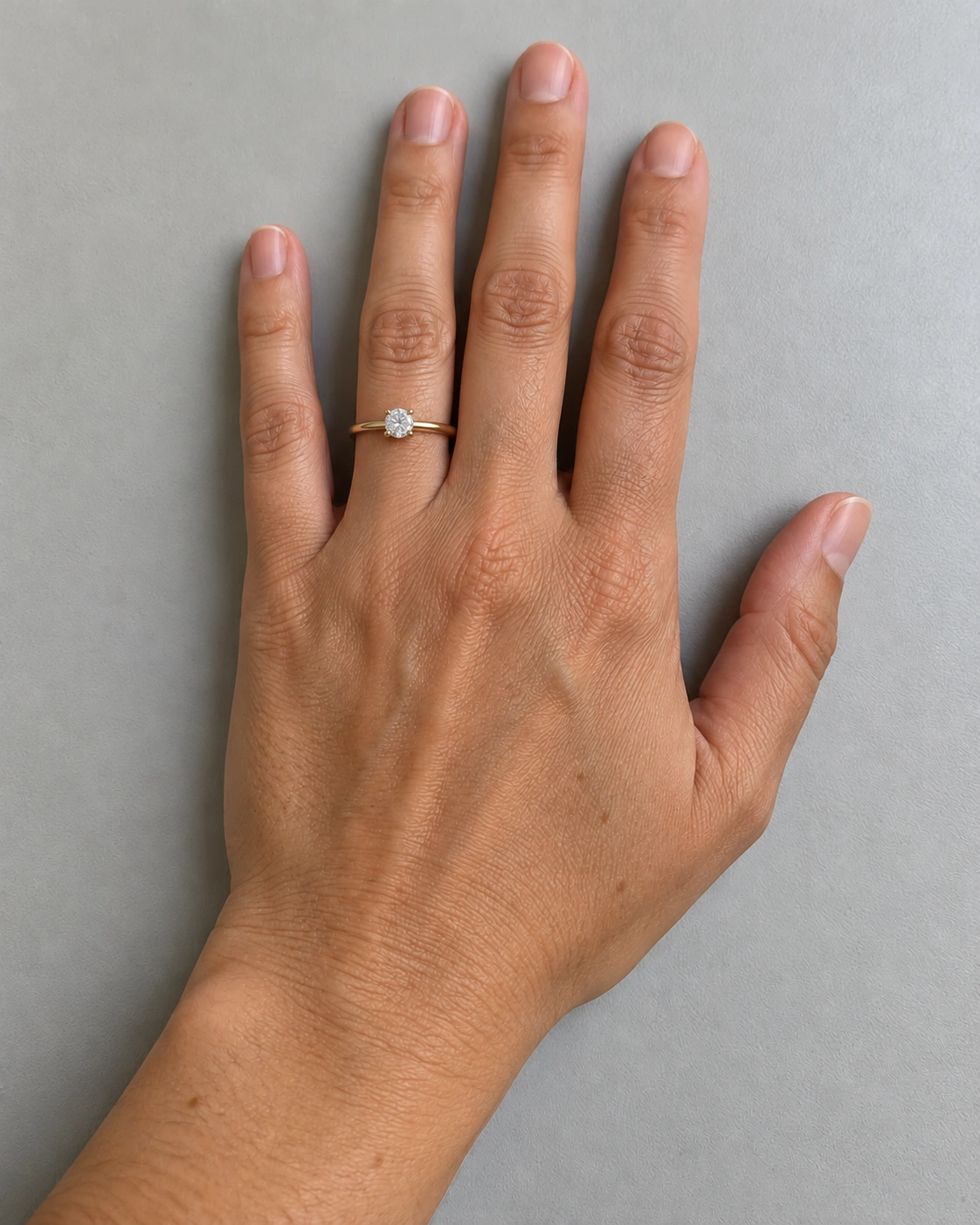
Virtual ring try on example: gold solitaire ring on the ring finger
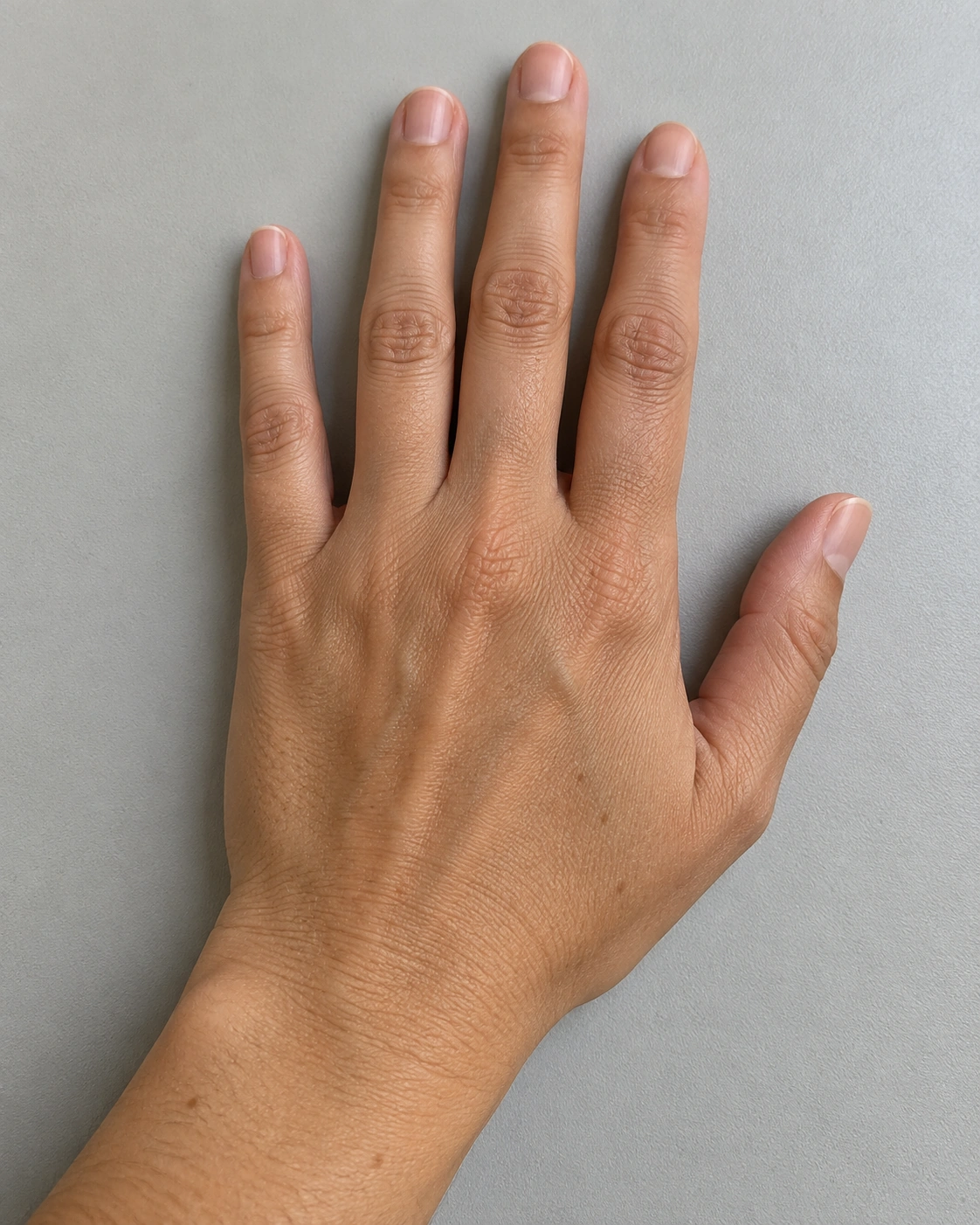
Virtual ring try on original: hand with five visible fingers and no jewelry
Original photoPreview

AI-generated example images. Drag or use arrow keys to compare.

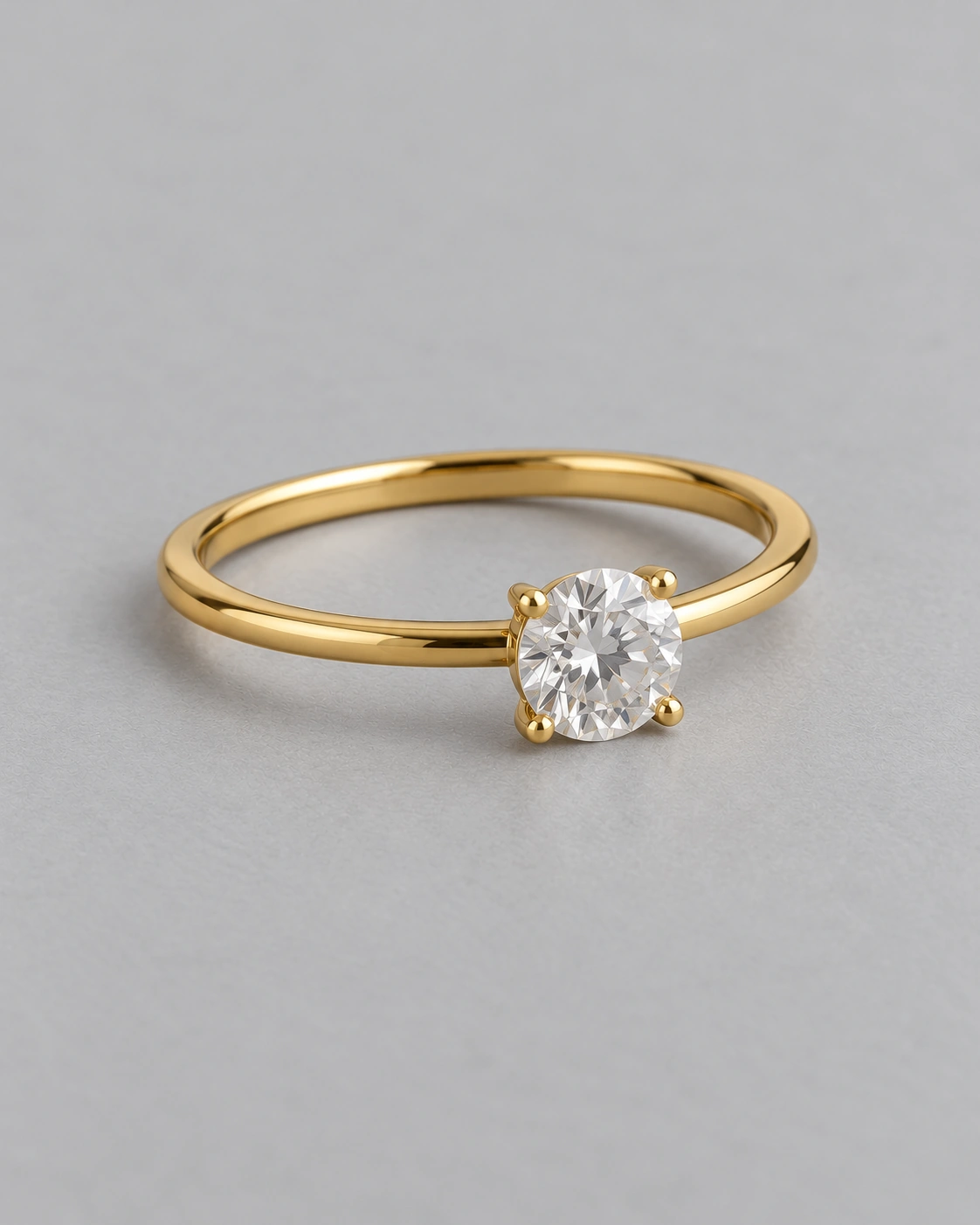
Virtual ring try on reference: yellow-gold solitaire ring reference on a gray surface
Rings

Ring reference

Example preview
Download example image ↓Example image for appearance comparison.

Example preview

Virtual ring try on example: gold solitaire ring on the ring finger
Virtual ring try on original: hand with five visible fingers and no jewelry

AI-generated example images. Drag or use arrow keys to compare.

How to Prepare a Hand Photo

Prepare a clear hand photo and a ring reference for virtual ring try on. Visible finger joints and a distinct band outline make placement easier to compare.

Virtual ring try on upload interface showing hand photo and ring reference fields
How to Prepare a Hand Photo: photo selection and reference fields.

Keep the finger visible

Rest your hand comfortably and keep the intended finger distinct from its neighbors. Include the knuckle and the area where a ring would sit rather than cropping tightly around a fingertip. Soft, even light helps retain skin texture without harsh shadows. Avoid motion blur, a clenched fist or jewelry obscuring the same area. Virtual ring try on needs a hand photograph with enough context to judge placement. Keep the camera angle consistent across comparisons, and make sure every finger boundary remains visible in the original.

Choose a clear ring reference

Use a product view that shows the band and the setting together. A top-only crop may show the stone shape while hiding the band profile, and a distant lifestyle photo may lose the details you want to inspect. For virtual ring try on, keep the ring distinct from its background and avoid reflections that merge its edges into a bright surface. Look for prongs, shoulders and the connection between the setting and band. Verify the actual material, dimensions and product identity with the seller rather than inferring them from a reference image.

Review placement and proportions

Start with the hand anatomy, finger boundaries and band position before examining the stone. In virtual ring try on, a polished image can still narrow a finger, enlarge a gem or shift a joint. Compare the image with the original hand photo at the same zoom, then check how the setting aligns with the finger. Look for a continuous band edge and plausible contact with the skin. Keep the visual question separate from sizing: a well-positioned example does not reveal circumference, comfort or how a real ring passes over a knuckle.
Ring Style Preview Examples

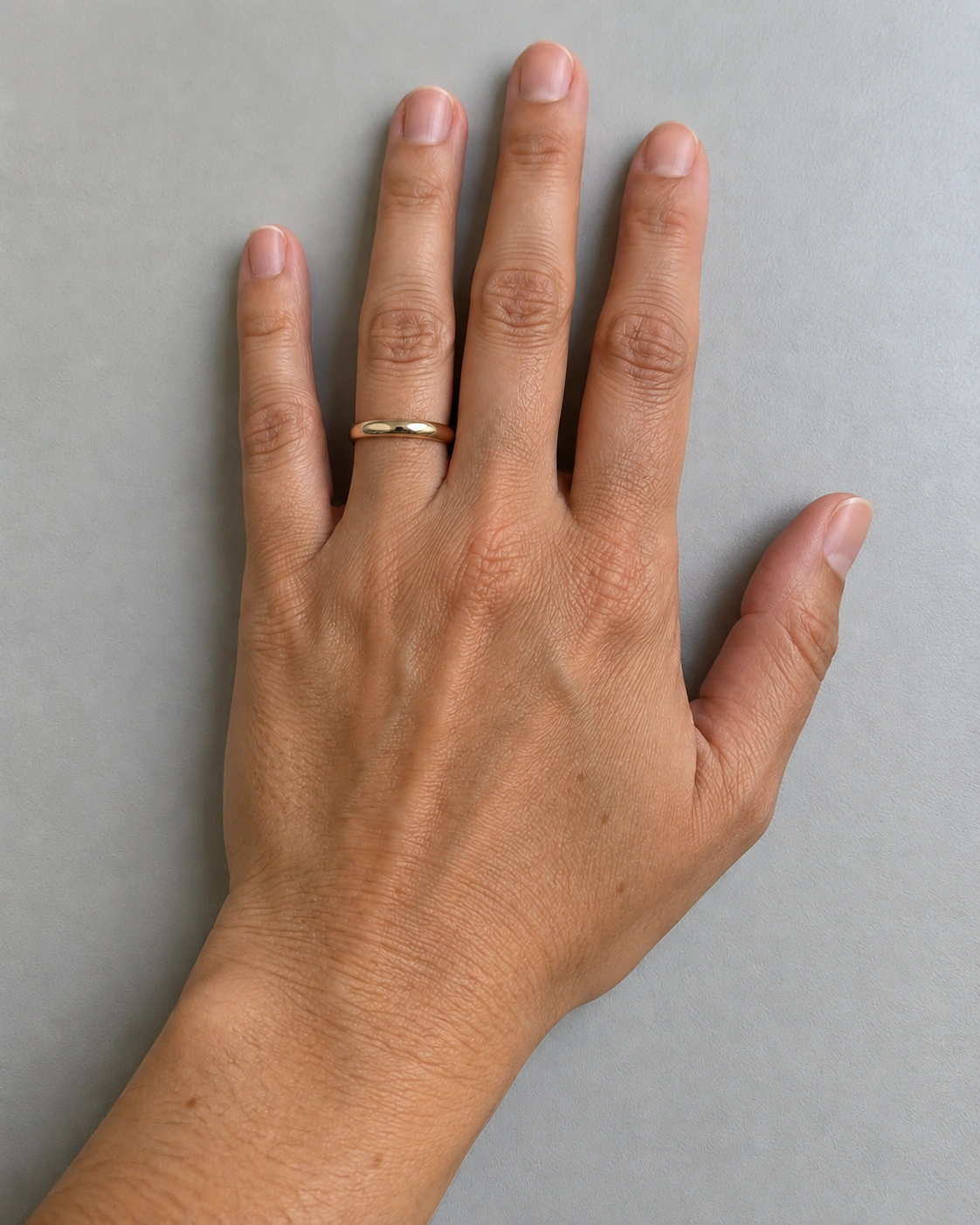
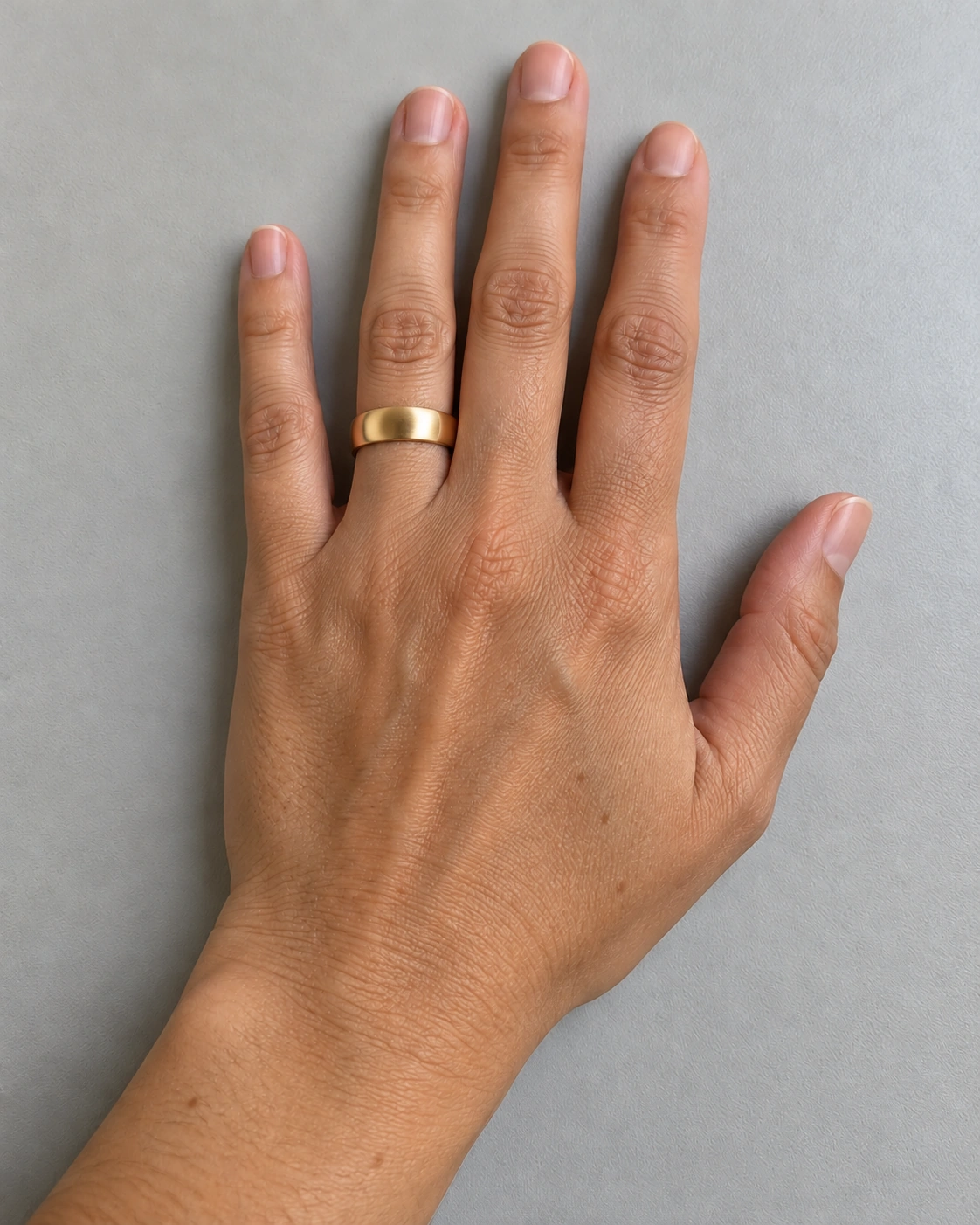
Use these virtual ring try on examples to compare a solitaire, a narrow band and a wider band. Check their relationship with the same hand before judging the overall style.

Virtual ring try on original: hand with five visible fingers and no jewelryOriginal image
Virtual ring try on example: gold solitaire ring on the ring fingerPreview
Single-stone setting and band placement.

A single-stone gold ring

This virtual ring try on example adds one modest solitaire-style ring to the original hand. Compare the band contact, setting position and visible finger joints rather than concentrating only on sparkle. The hand, camera angle and table are held consistent across the examples. Apparent stone size is illustrative: there is no calibration relating these pixels to carats, millimeters or a purchase size.

Virtual ring try on original: hand with five visible fingers and no jewelryOriginal image
Virtual ring try on example: narrow plain gold wedding band on the same handPreview
A narrow band with a simple outline.

A narrow plain wedding band

A simple band brings attention to its edge and its relationship with skin. In virtual ring try on, the useful comparison is whether the narrower appearance fits your style preference, not whether a numerical size has been found. Check the continuous outline around the finger and the direction of the soft reflection. The gold appearance is digitally generated and cannot confirm the metal, plating or comfort of a physical ring.

Virtual ring try on original: hand with five visible fingers and no jewelryOriginal image
Virtual ring try on example: wider gold wedding band on the same handPreview
A wider band on the same source hand.

A broader band on the same hand

The broader band uses the same hand input as the thin version. That makes virtual ring try on a clearer visual comparison: more of the finger is covered while the pose stays unchanged. No millimeter width is assigned to the render. Wider rings can feel different in real life, so discuss actual band profile and sizing with a jeweler instead of converting the apparent width in the example into a measurement.

What a Ring Preview Does Not Measure

Virtual ring try on reference: yellow-gold solitaire ring reference on a gray surfaceVisual reference
Inspect the ring reference at full size for edges, texture and placement.

Ring size and physical fit

A ring must pass over a knuckle and sit comfortably, which depends on circumference, band profile and individual hand conditions. Those properties cannot be established by a single uncalibrated photograph. This tool does not calculate a ring size, convert an apparent finger width into a size or recommend a purchase size. Use an appropriate sizing method from the jeweler and ask about how width affects the fit. An image can help you choose a style to investigate, but even a convincing preview is not a physical fitting or a guarantee of comfort.

Stone scale, metal finish and image lighting

Camera distance and perspective can make a stone appear larger or smaller without changing its actual dimensions. Reflections can shift the apparent metal hue, while a bright highlight can exaggerate a gemstone’s sparkle. With virtual ring try on, compare the setting and band against the source reference before judging the finish. Consult the seller’s measured specifications and real product photographs for material and stone details. An image does not establish carat weight, cut quality, plating, authenticity or value, even when the ring appears convincingly placed on the hand.

Hand structure and target finger

Keep the finger you want to assess clearly visible and check the rest of the hand as well. Overlapping fingers, a sharp bend and deep shadow can hide joints or nail edges. A virtual ring try on comparison should preserve the original finger count, outline and skin boundaries rather than making the jewelry attractive at their expense. There is no target-finger selector on this page. If an image changes the hand’s structure or places the band across a joint, reject that comparison and choose a clearer starting photograph.

Frequently asked questions

Can virtual ring try on use my own hand and ring photos?

Choose a hand photo and ring reference you have permission to use. For virtual ring try on, keep the intended finger visible and show the band and setting clearly. Retain both originals so placement and product detail can be compared.

Can I choose which finger wears the ring?

There is no target-finger selector on this page. Keep the intended finger clearly visible, and check the band position against the original hand photograph.

Is the displayed stone size exact?

No. Apparent size in a photo depends on perspective and camera distance. Use the actual ring and gemstone dimensions from the seller rather than converting image pixels into measurements.

Can I use the preview to find my ring size?

No. A hand photograph does not measure circumference, knuckle clearance or comfort. Use a jeweler’s sizing method, including guidance for the band width you plan to wear.