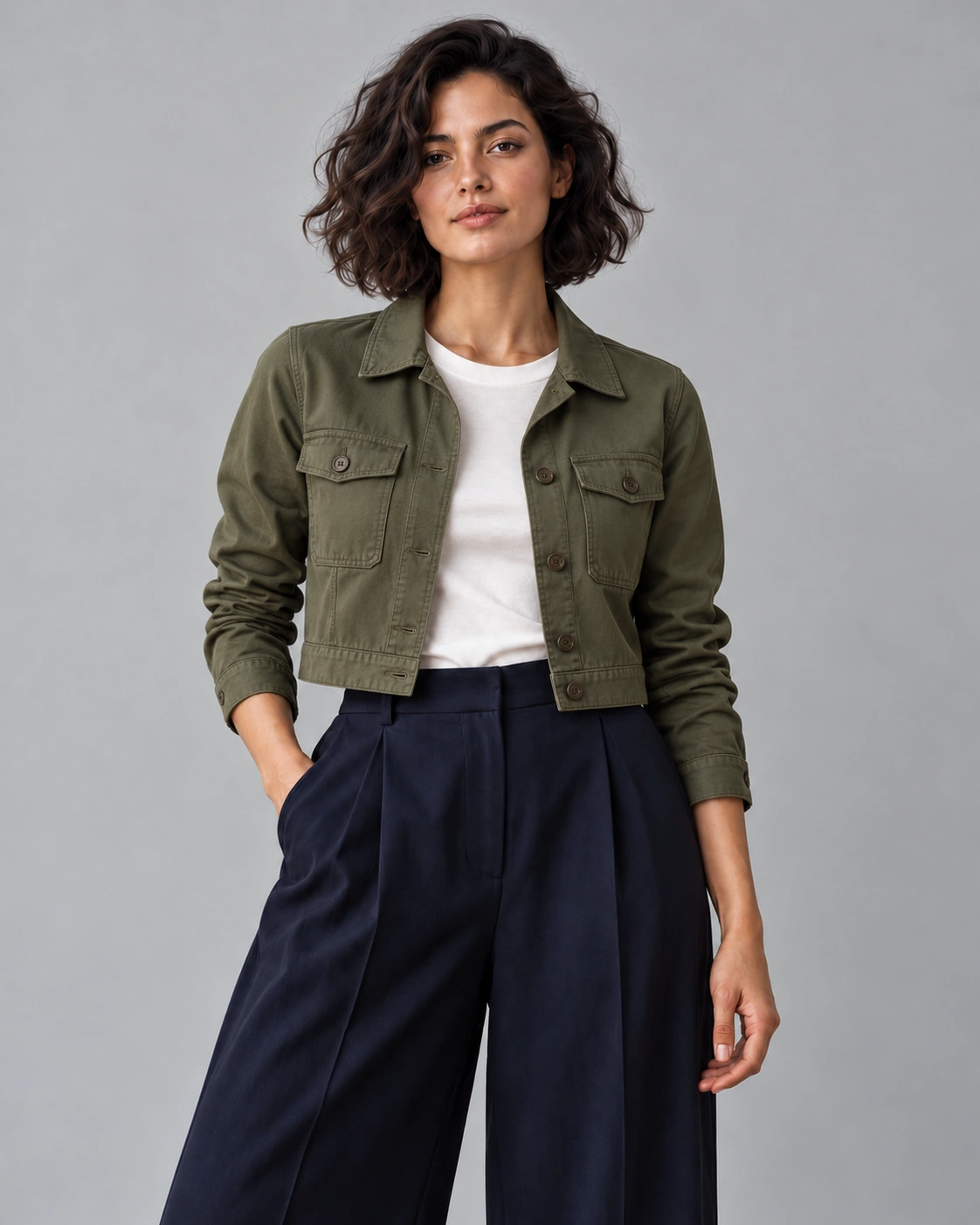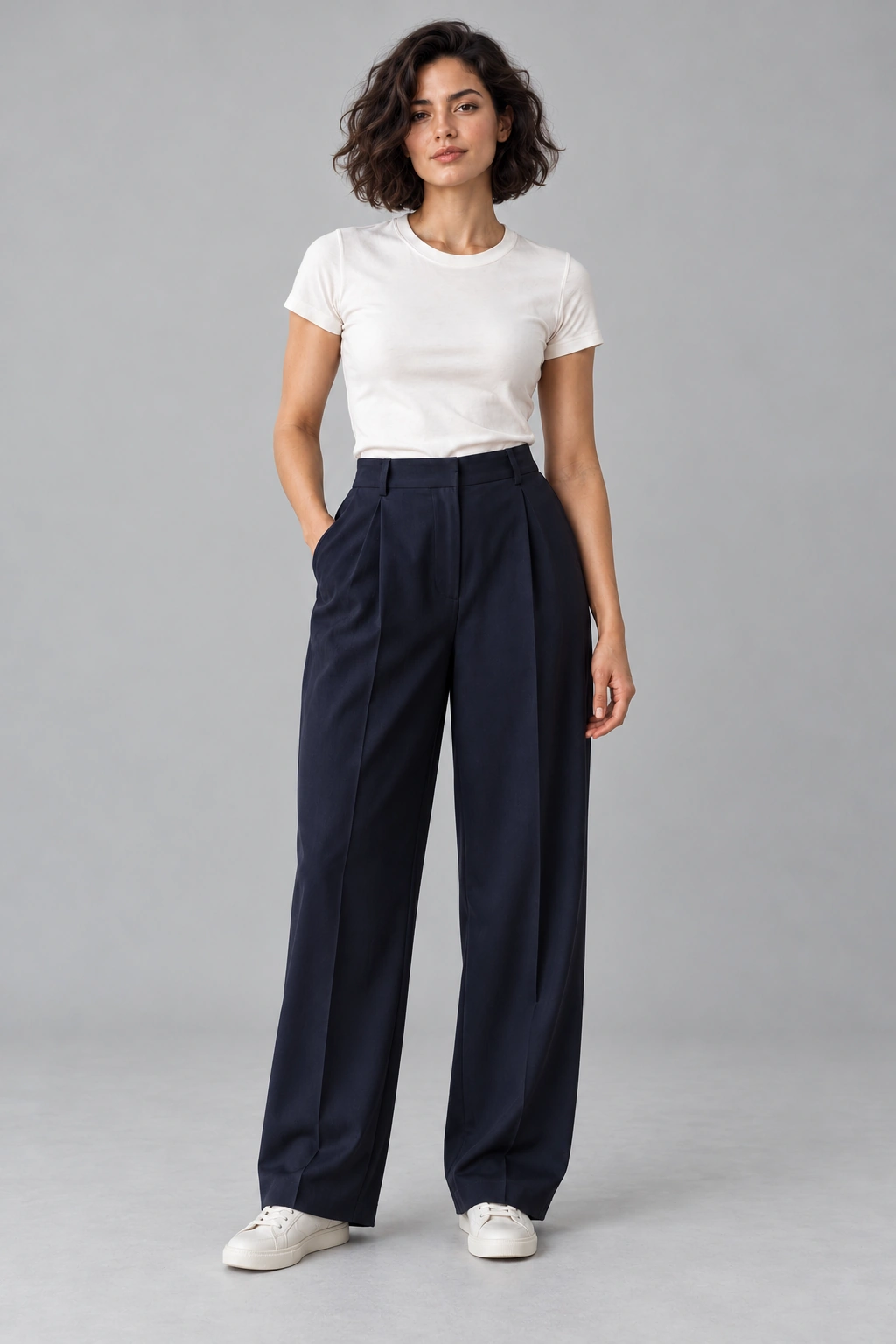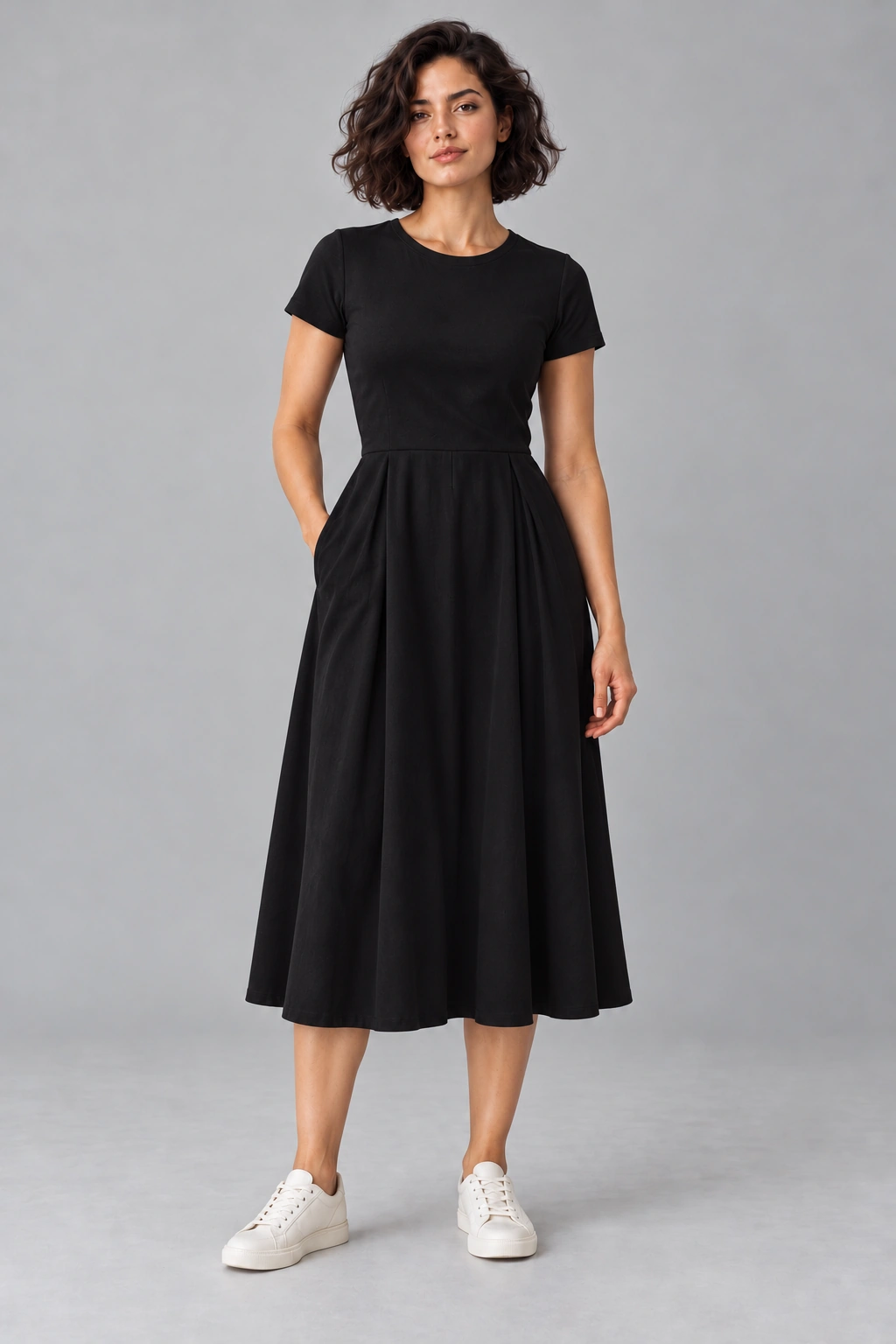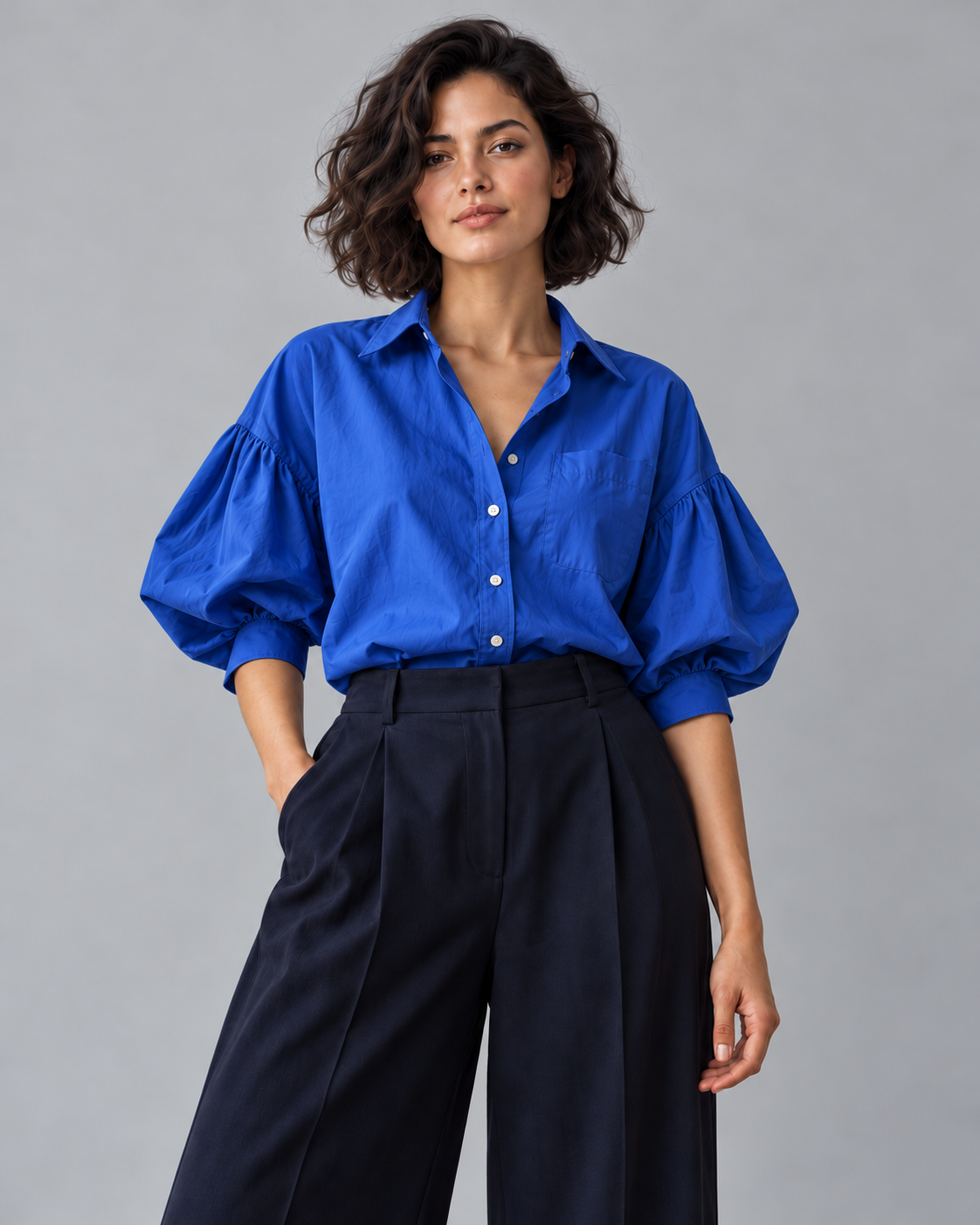
Choose a clear person photo
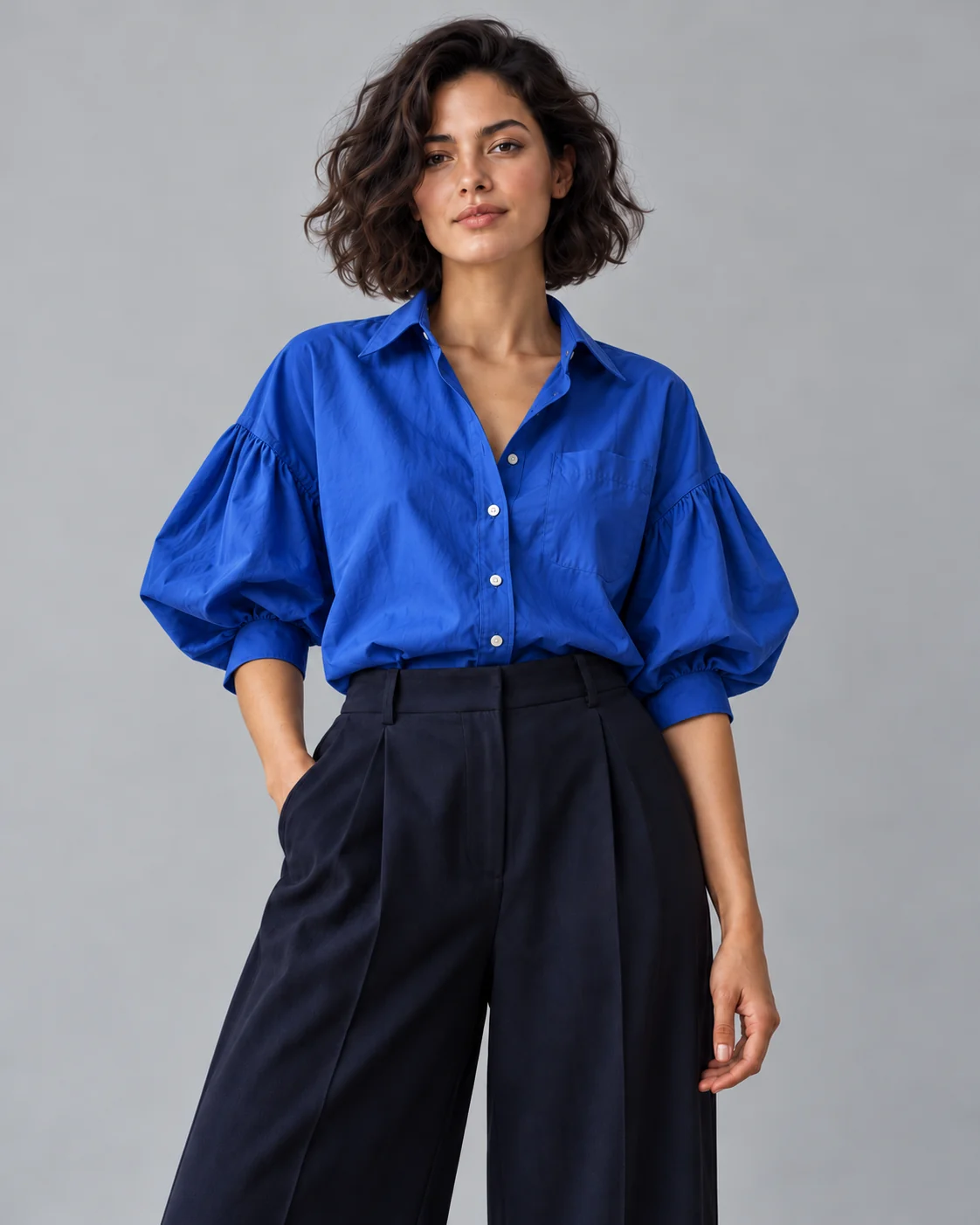
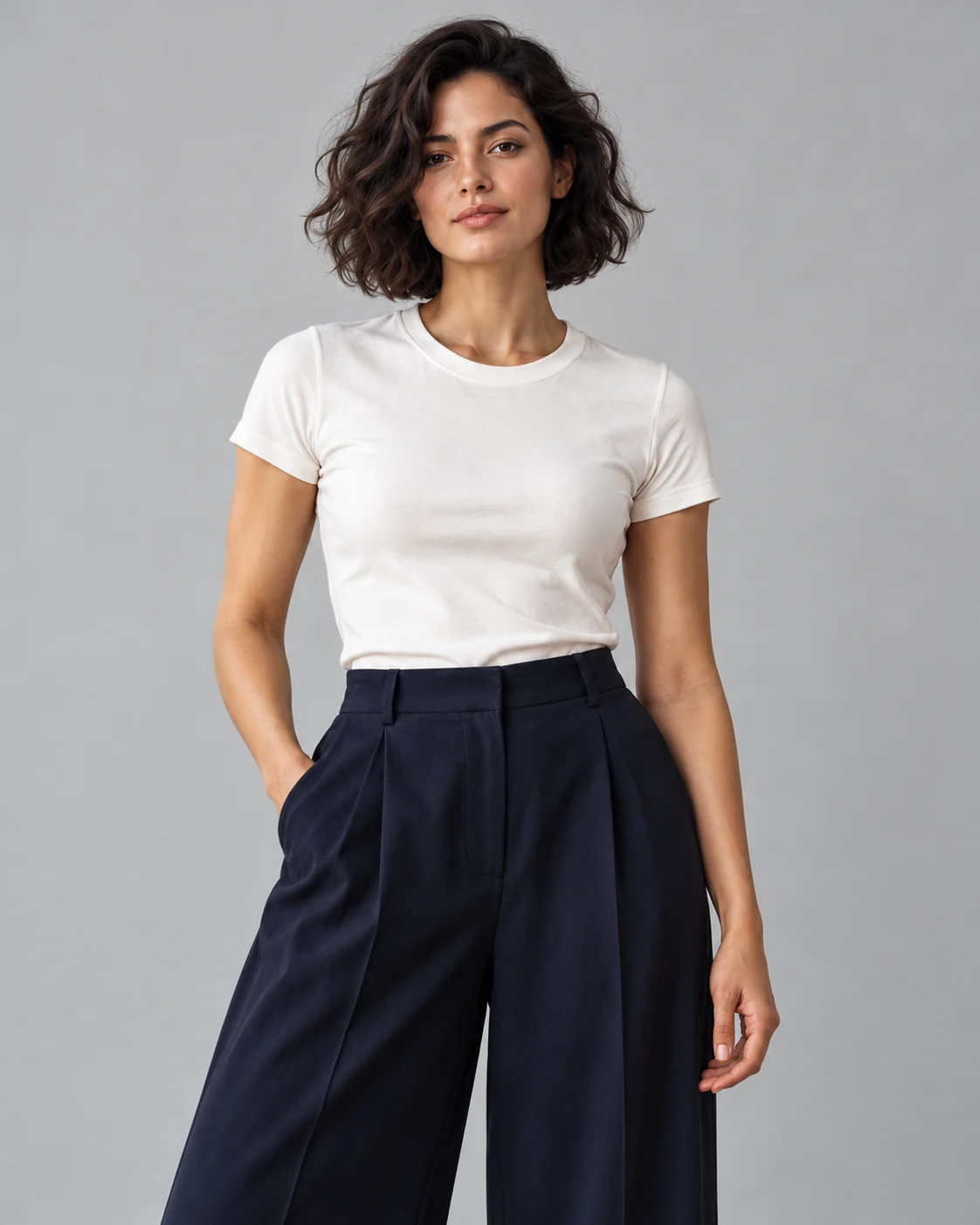
For virtual try on clothes, include the area the garment will cover. A shirt or jacket needs visible shoulders, torso and waist; a dress needs enough of the legs to judge its outline. Face the camera without a strong twist and keep your arms away from important seams. Soft, even light makes boundaries easier to inspect. Avoid crowded backgrounds, cropped shoulders and filters that reshape the body. Keep the original framing consistent across comparisons so a different camera angle does not become part of the style change.
Upload a garment with visible details
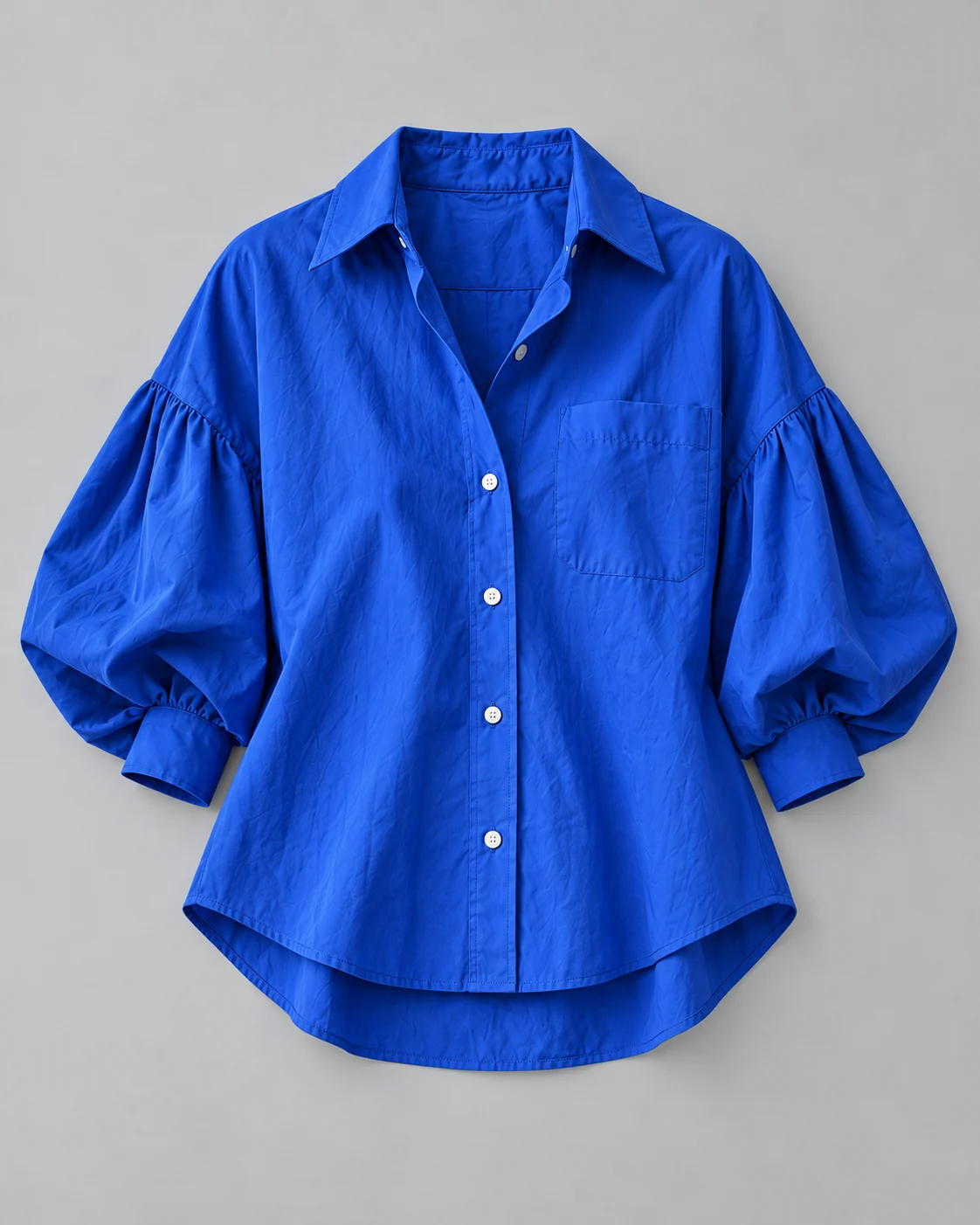
Choose one garment with a visible front, useful resolution and clear contrast against its background. Keep collars, hems and cuffs in the picture. A flat-lay can clarify the outline, while a product photo worn by another person may obscure seams or introduce a competing pose. For virtual try on clothes, prioritize the item you want to inspect rather than a large logo or advertising caption. If the sleeves overlap the body of the garment, look for a second reference that makes their length and construction easier to see.
Review the preview before downloading
Compare the neckline, sleeves, hem and visible skin boundaries before examining smaller details. In virtual try on clothes, a convincing silhouette can still hide an incorrect button row or a redrawn print. Keep the original person photo and garment reference beside the image, then enlarge the part you care about. Inspect both sides of the body, including areas near hands and long hair. Save a comparison only after checking those details; an attractive pose or a cleaner background is not evidence that the garment itself was represented accurately.