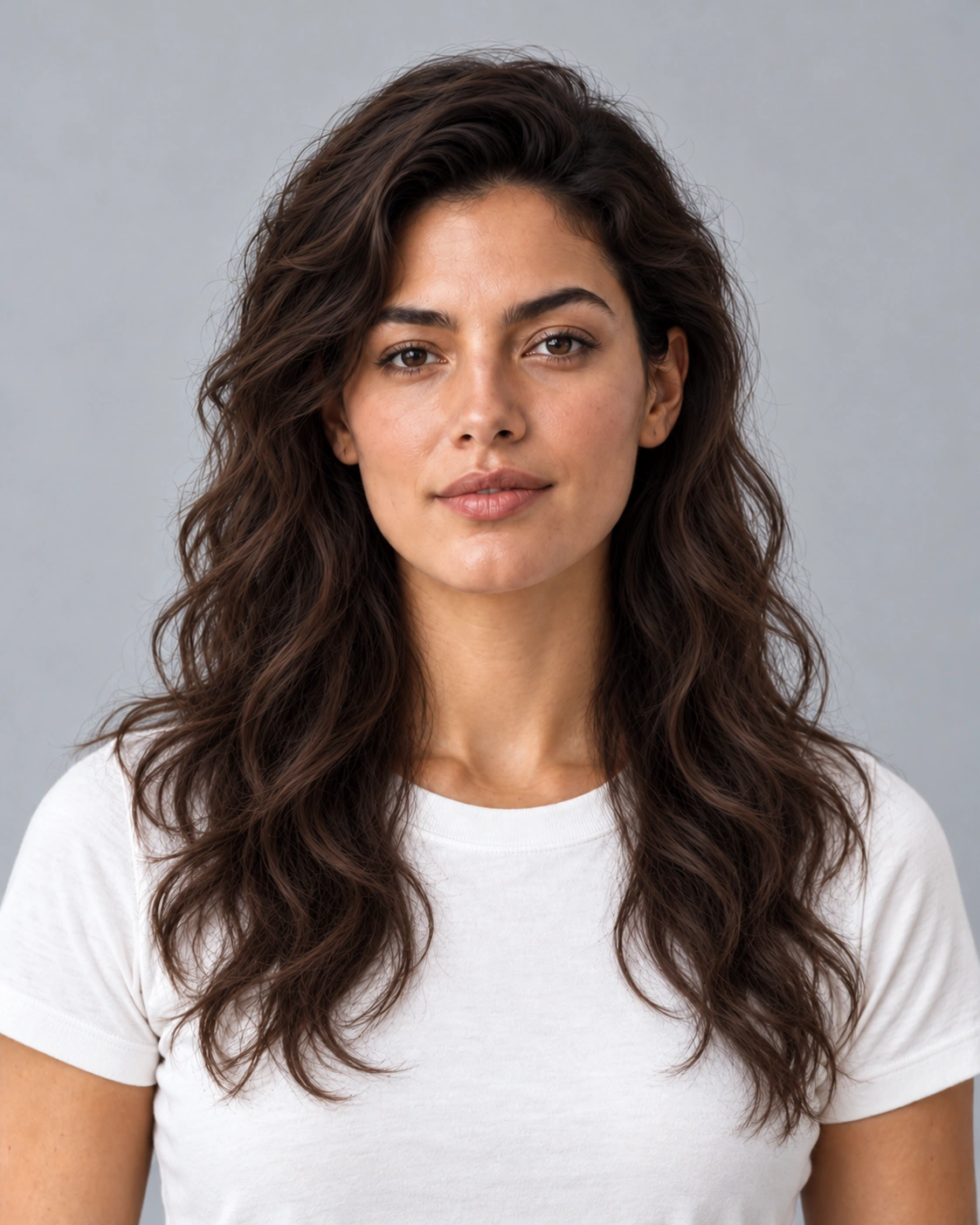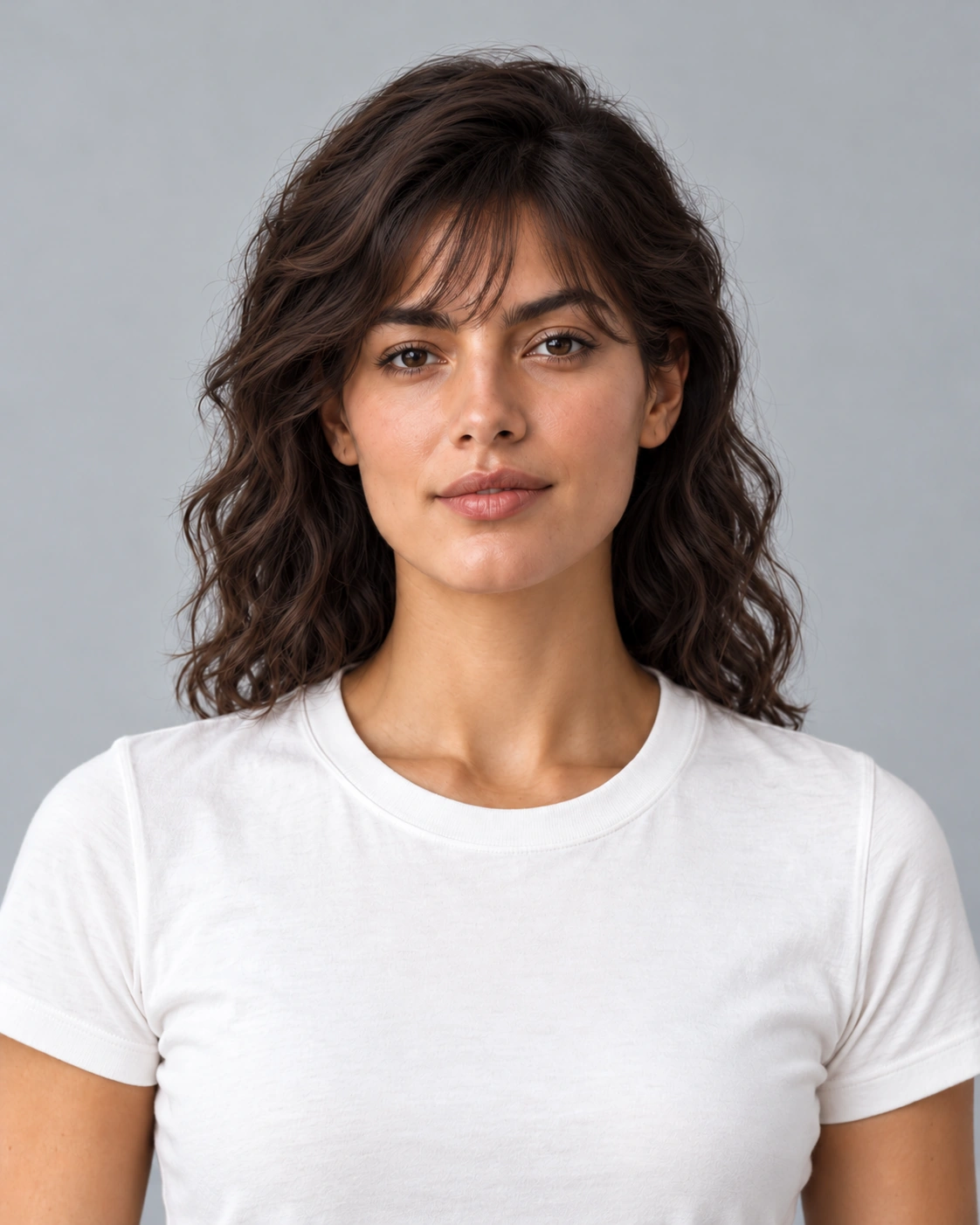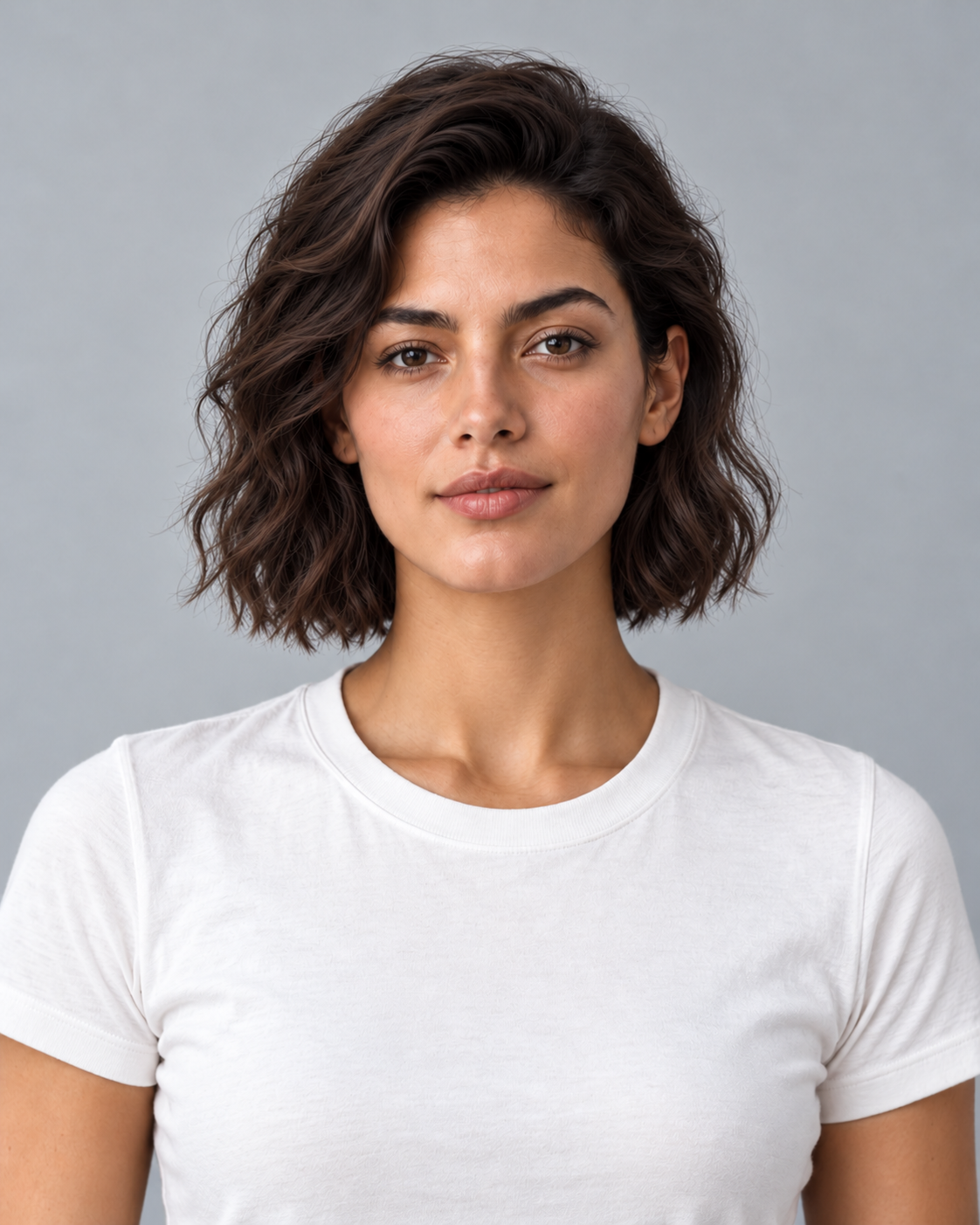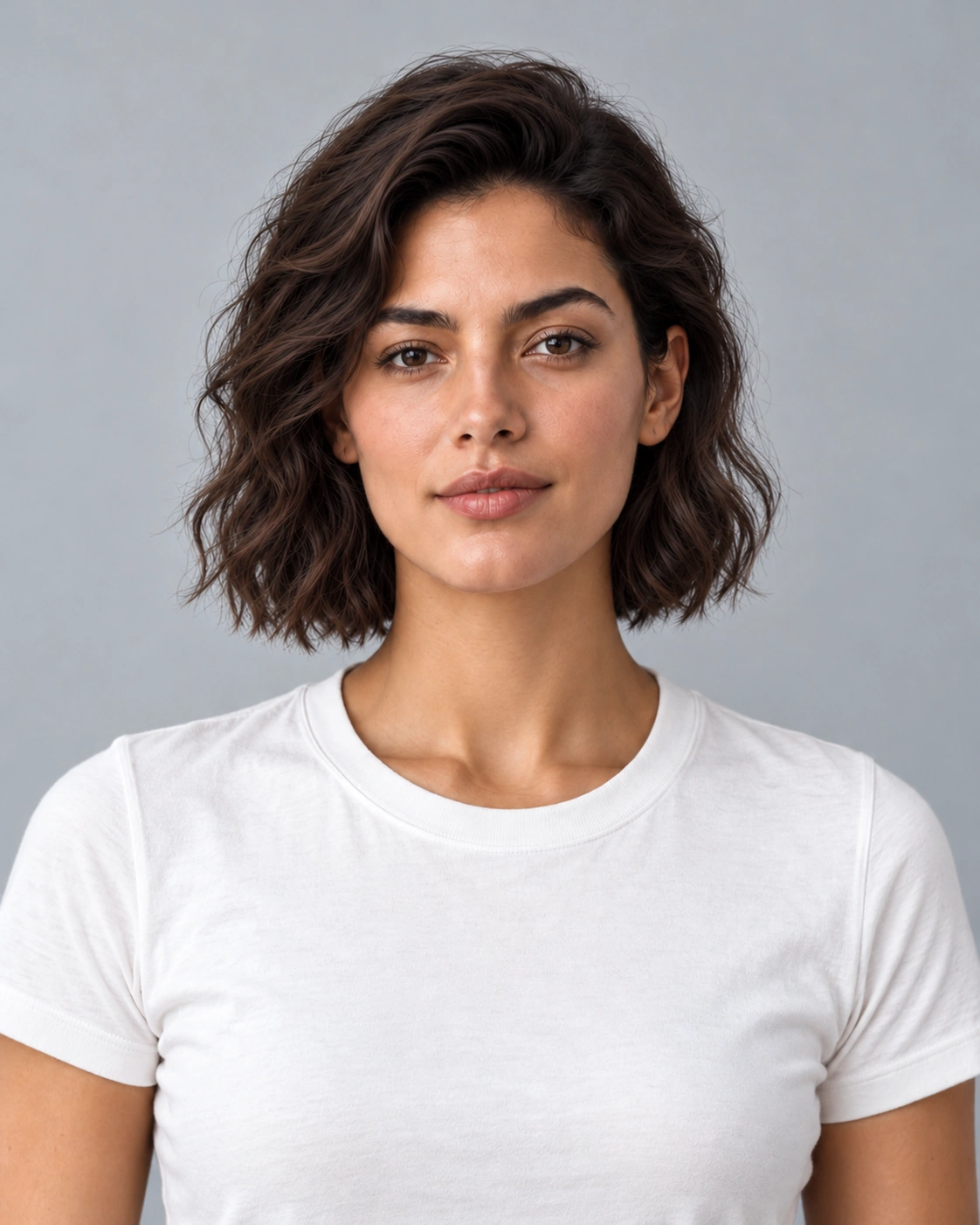
Start with a clear portrait
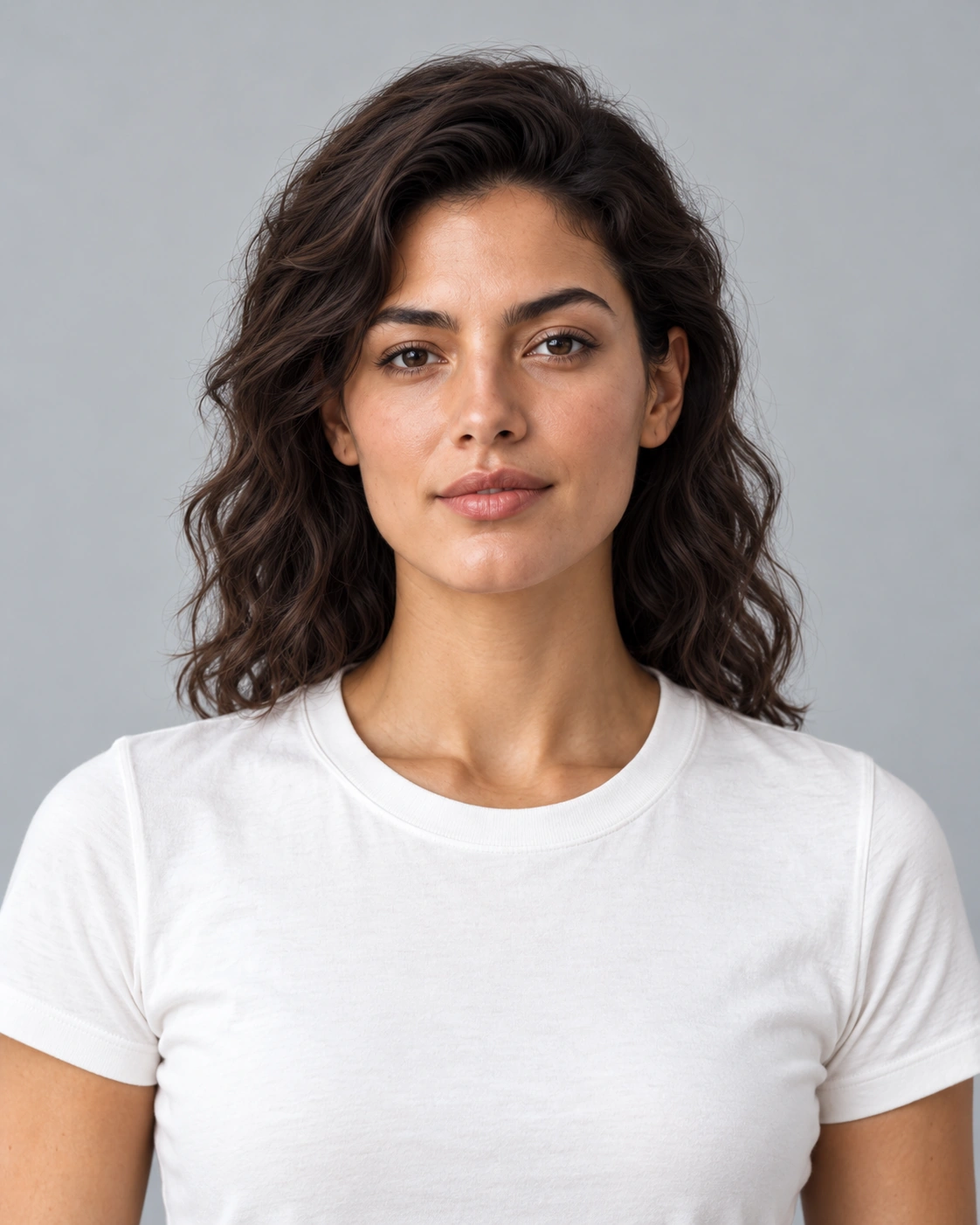
Choose a portrait with the full hairline and enough space around the head to show a different outline. Keep the face in focus and avoid a sharply tilted camera. Hats, a hand over the forehead and hair covering most of the face can conceal important boundaries. For hairstyle try on, even light and a background that contrasts with the hair make the outline easier to compare. Include the ears and shoulders where possible, and keep an unedited copy so facial detail can be checked independently of the haircut.
Choose a supported cut or shape
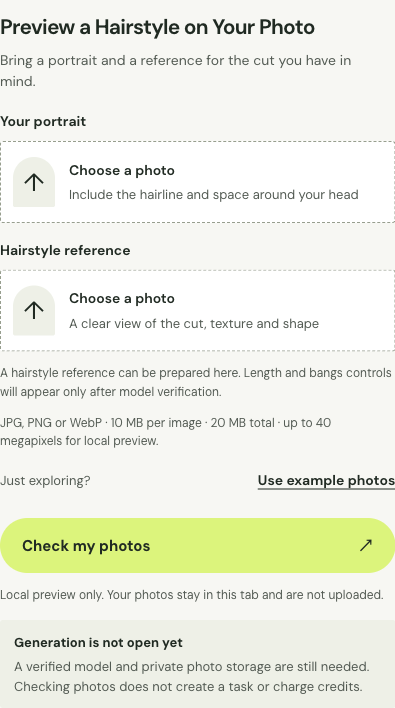
Choose a reference that clearly shows the overall length, edge around the face, layers or fringe you want to discuss. A heavily styled photograph may hide the actual cut beneath curls, extensions or dramatic lighting. Use the reference to describe hair rather than another person’s face. For hairstyle try on, decide whether the main question is a shorter outline, extra length or bangs, then keep the other variables steady. A visible reference slot is for selecting that image; it does not imply independent controls for every haircut feature.
Compare the preview with your original photo
Compare the face, head shape and hairline before deciding whether you like the new outline. A hairstyle try on image can look appealing partly because facial features or the neck also changed. Use the same starting portrait across styles, view both images at the same scale and check the ears and forehead. Then look at how new strands meet the shoulders and clothing. Keep the reference cut visible as well: a longer, glossier image may still differ from the layers or fringe you actually wanted to compare.